
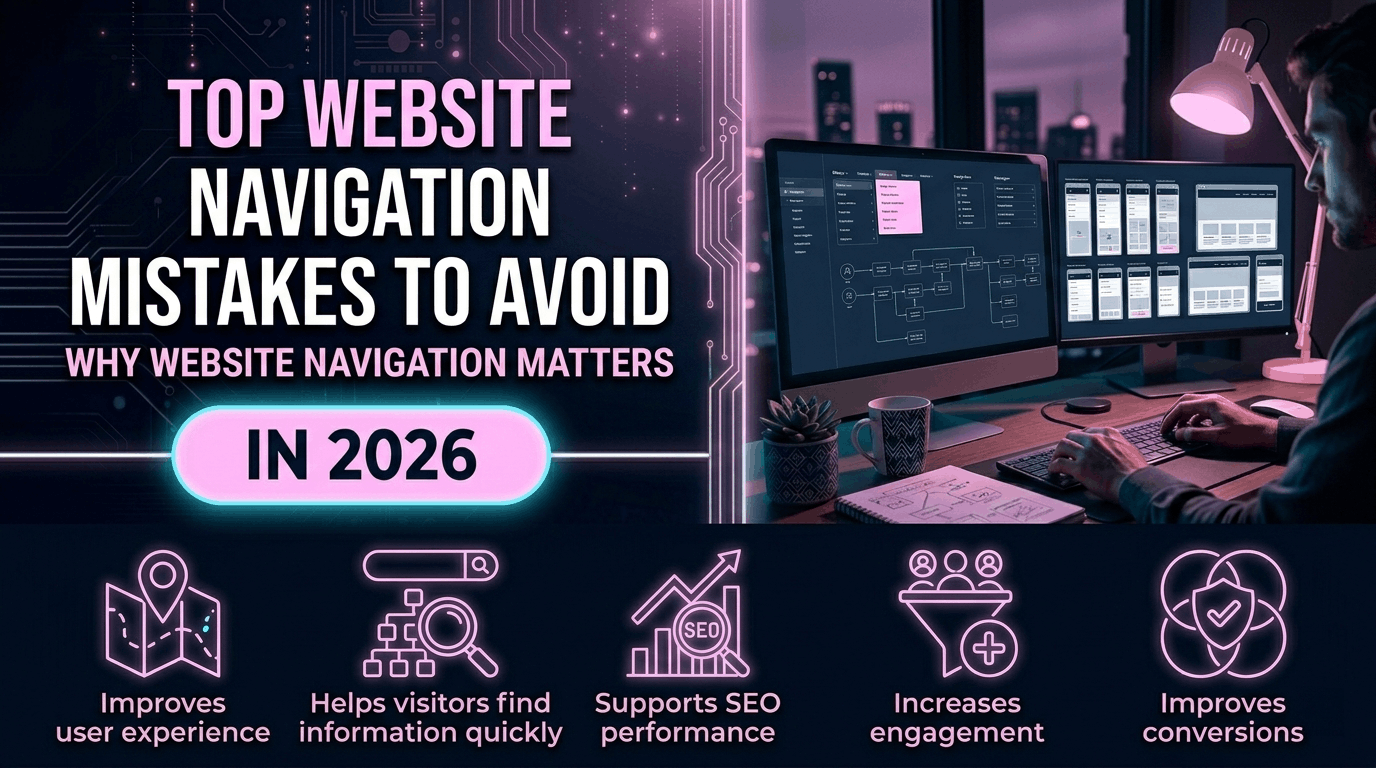
Website navigation plays a major role in user experience, SEO, and conversion optimization. In 2026, visitors expect websites to be simple, fast, mobile-friendly, and easy to navigate.
Poor navigation can confuse users, increase bounce rates, and reduce customer trust.
Even visually attractive websites may fail if visitors cannot quickly find important information.
In this guide, we’ll discuss the top website navigation mistakes businesses should avoid in 2026.
Why Website Navigation Matters
- Improves user experience
- Helps visitors find information quickly
- Supports SEO performance
- Increases engagement
- Improves conversions
1. Too Many Menu Items
Overcrowded navigation menus can confuse visitors.
Too many links make it difficult for users to focus on important pages.
Modern websites use simple and organized menus.
2. Confusing Navigation Labels
Navigation labels should be clear and easy to understand.
Avoid vague menu names that confuse users.
Examples of better navigation labels:
- Services
- About Us
- Pricing
- Contact
3. Poor Mobile Navigation
Mobile navigation is essential in 2026.
Common mobile navigation mistakes include:
- Small clickable areas
- Broken menus
- Slow mobile performance
- Difficult scrolling
Read our guide on responsive website design.
4. Hidden Important Pages
Visitors should easily access important business pages.
Critical pages include:
- Services
- Contact page
- Pricing
- Portfolio
5. Complex Dropdown Menus
Large dropdown menus with too many options can overwhelm users.
Modern websites prefer cleaner and more organized navigation structures.
6. Inconsistent Navigation Structure
Navigation should remain consistent across all pages.
Inconsistent layouts confuse visitors and reduce usability.
7. No Clear Call-to-Action in Navigation
Navigation menus should include clear CTA buttons such as:
- Get a Quote
- Contact Us
- Book Consultation
Strong CTAs improve lead generation.
8. Slow Navigation Performance
Heavy menus and unoptimized code can slow website performance.
Read our guide on website speed optimization.
9. Poor Internal Linking Structure
Weak navigation often leads to poor internal linking.
Good internal linking improves:
- User navigation
- SEO
- Page discovery
Read our guide on internal linking strategy.
10. Not Highlighting Active Pages
Visitors should easily understand which page they are currently viewing.
Active menu indicators improve usability.
11. Missing Search Functionality
Large websites should include search functionality for better user experience.
12. Ignoring Accessibility in Navigation
Accessible navigation improves usability for all visitors.
Important accessibility features include:
- Keyboard navigation
- Readable text
- Proper contrast
- Accessible menu structure
13. Broken Links in Menus
Broken navigation links create poor user experiences and reduce trust.
Businesses should regularly audit website links.
14. Using Too Many Animation Effects
Excessive hover effects and animations can make navigation feel outdated and distracting.
Modern websites use subtle UI animations.
15. Poor Footer Navigation
The footer should provide quick access to important pages and business information.
Common footer links include:
- Privacy Policy
- Contact
- Services
- Social Media
16. Weak Navigation Hierarchy
Navigation structure should follow logical hierarchy and organization.
Well-structured websites improve usability and SEO.
Read our guide on SEO-friendly website structure.
17. Ignoring User Behavior
Businesses should analyze user behavior and improve navigation based on visitor interactions.
How Good Navigation Improves SEO
Strong navigation helps search engines understand website structure and page relationships.
Benefits include:
- Better crawlability
- Improved indexing
- Stronger internal linking
- Lower bounce rates
How Good Navigation Improves Conversions
Simple and user-friendly navigation helps visitors take action faster.
Good navigation improves:
- Lead generation
- User engagement
- Customer trust
- Conversion rates
Best Practices for Modern Website Navigation
- Keep menus simple
- Use clear labels
- Optimize for mobile
- Maintain consistent structure
- Highlight important CTAs
Need Help Improving Your Website Navigation?
We help businesses create modern, responsive, SEO-friendly, and user-focused websites with optimized navigation and conversion-focused layouts.
Explore our website development services.
Final Thoughts
Website navigation has a major impact on user experience, SEO, and conversions in 2026.
Businesses should avoid complex and confusing navigation systems that frustrate visitors.
Simple, responsive, and organized navigation helps users engage with your website more effectively.
Contact us today to improve your business website navigation and user experience!