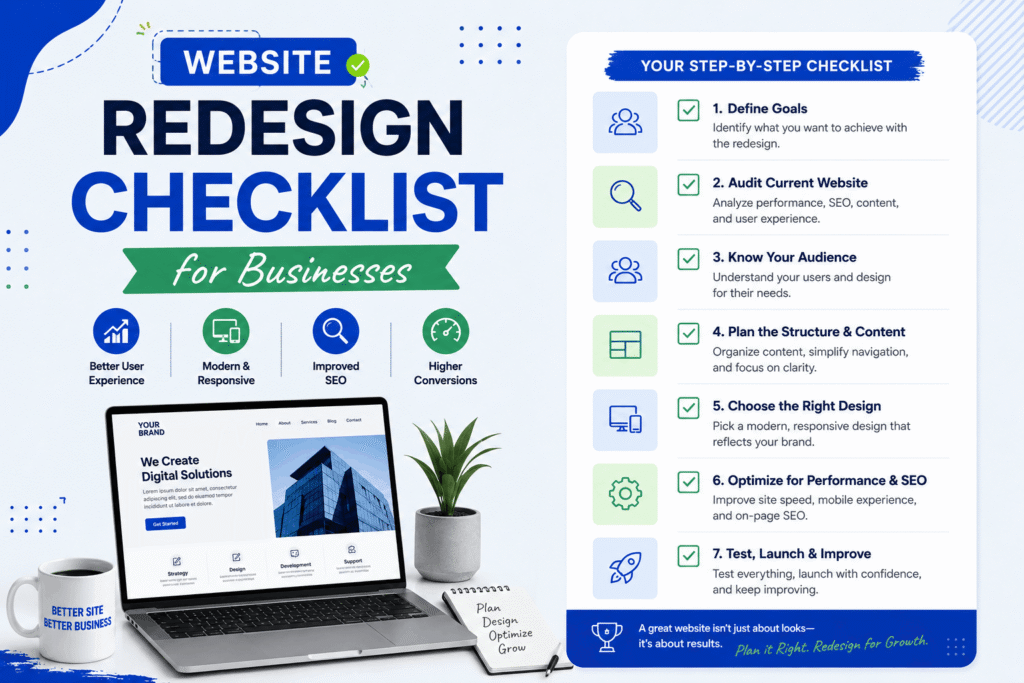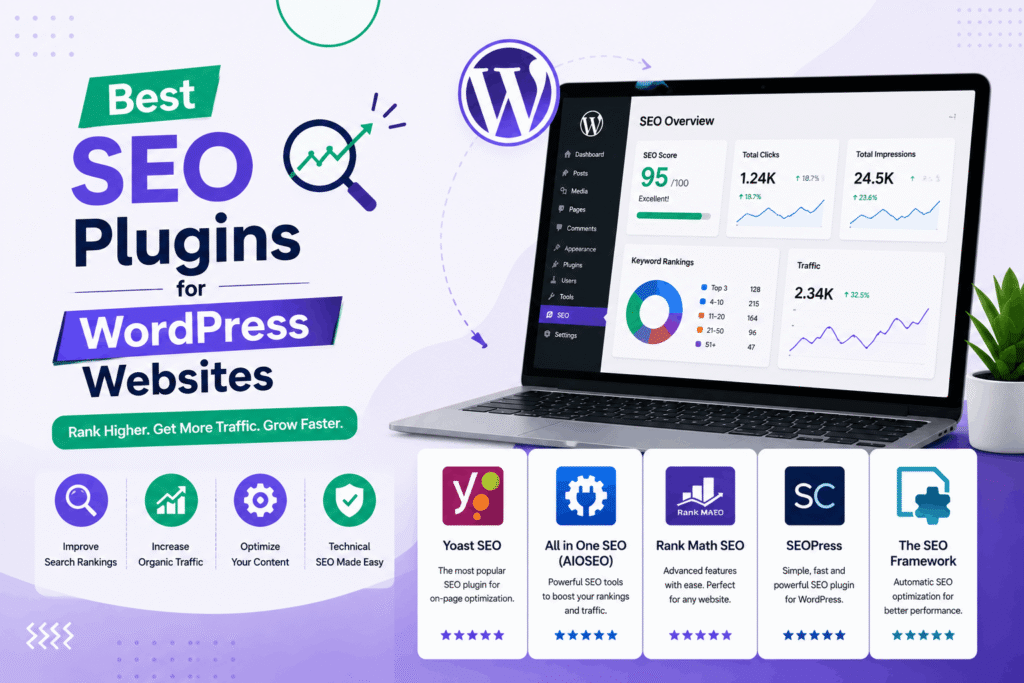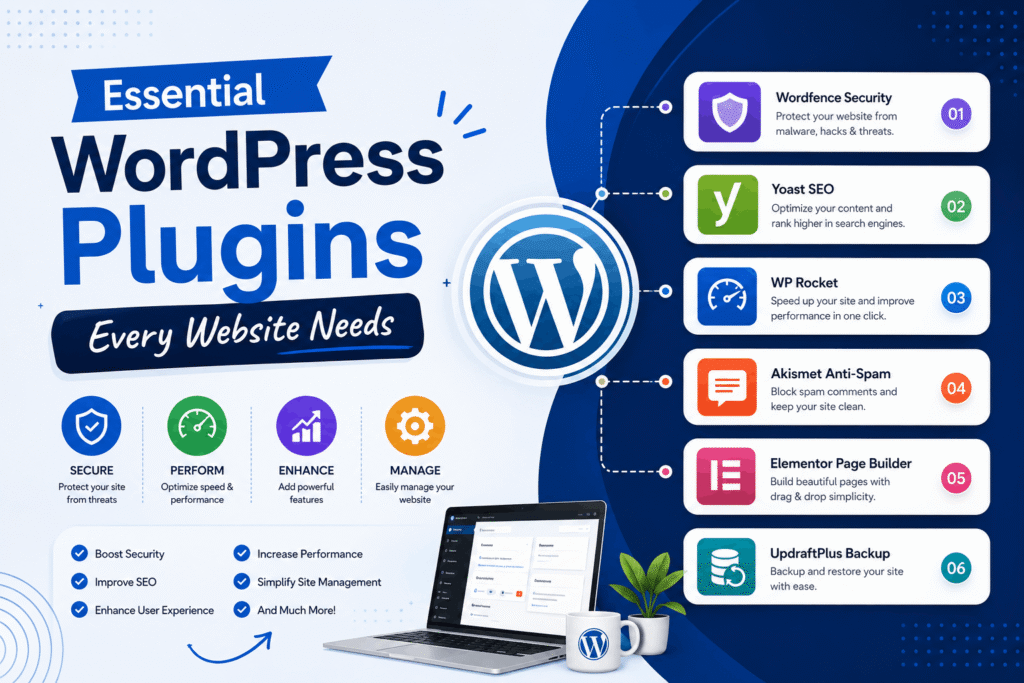

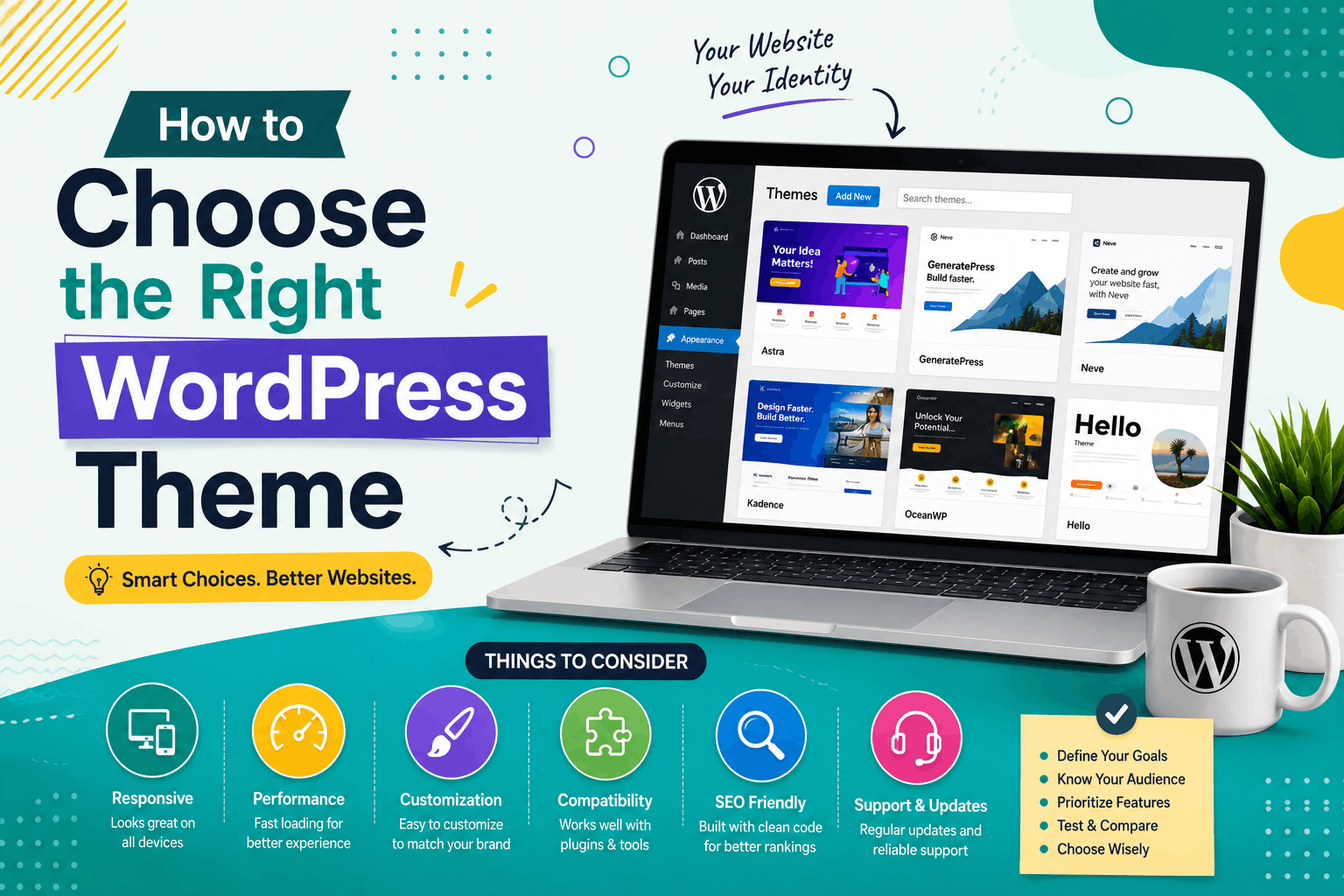
Choosing the right WordPress theme is one of the most important decisions when building a website. Your theme affects your website’s appearance, speed, user experience, SEO performance, and lead generation capabilities.
Many business owners select a theme based only on design, but a great WordPress theme should also be fast, mobile-friendly, secure, and easy to customize.
In this guide, we’ll explain how to choose the right WordPress theme for your business website in 2026.
Why Your WordPress Theme Matters
A WordPress theme controls how your website looks and functions.
The right theme can help:
- Improve user experience
- Boost SEO rankings
- Increase website speed
- Generate more leads
- Strengthen your brand image
1. Define Your Website Goals First
Before selecting a theme, identify the purpose of your website.
Examples include:
- Business website
- Portfolio website
- eCommerce store
- Blog
- Service-based website
Your theme should support your business goals and target audience.
2. Choose a Mobile-Friendly Theme
Most website visitors use smartphones and tablets.
A responsive theme automatically adjusts to different screen sizes and improves user experience.
Benefits include:
- Better SEO rankings
- Higher engagement
- Improved conversions
3. Prioritize Website Speed
Fast-loading websites provide better user experiences and improve SEO performance.
Look for lightweight themes that avoid unnecessary code and heavy design elements.
Read our guide on website speed optimization.
4. Select an SEO-Friendly Theme
An SEO-friendly theme helps search engines crawl and understand your website more effectively.
Look for themes that support:
- Clean code
- Schema markup
- Fast loading times
- Mobile responsiveness
5. Choose a Clean and Professional Design
A modern design builds trust and credibility.
Avoid themes that look cluttered or outdated.
Focus on:
- Simple layouts
- Readable typography
- Good spacing
- Professional visuals
6. Check Customization Options
Your theme should allow you to customize:
- Colors
- Fonts
- Layouts
- Headers
- Footers
This helps align the website with your brand identity.
7. Ensure Compatibility with Popular Plugins
Most business websites rely on plugins for additional functionality.
Your theme should work well with:
- SEO plugins
- Contact form plugins
- Security plugins
- Page builders
- WooCommerce
8. Check WooCommerce Compatibility
If you plan to sell products online, ensure your theme supports WooCommerce.
This allows you to create a professional online store.
9. Review Theme Performance Demos
Before purchasing or installing a theme, test its demo version.
Check:
- Navigation
- Loading speed
- Mobile responsiveness
- User experience
10. Consider Future Scalability
Your business may grow over time.
Choose a theme that can support:
- Additional pages
- New services
- Blog content
- eCommerce functionality
11. Look for Regular Updates
Frequently updated themes are generally more secure and compatible with the latest WordPress versions.
12. Check Theme Reviews and Ratings
User reviews can provide valuable insights into:
- Performance
- Support quality
- Reliability
- Ease of use
13. Evaluate Support and Documentation
Good theme developers provide:
- Documentation
- Tutorials
- Customer support
- Regular maintenance
14. Avoid Overloaded Themes
Some themes include too many features that can slow down your website.
Choose a theme that focuses on the features you actually need.
15. Focus on User Experience
Your visitors should be able to:
- Find information quickly
- Navigate easily
- Contact your business effortlessly
16. Consider Accessibility Features
Accessible websites help users with different abilities navigate your website effectively.
17. Match the Theme to Your Industry
Different industries often benefit from different design styles.
Examples include:
- Corporate websites
- Service businesses
- Agencies
- Online stores
- Educational websites
18. Test the Theme on Multiple Devices
Always preview the theme on:
- Desktop computers
- Tablets
- Smartphones
Common Mistakes When Choosing a WordPress Theme
- Choosing based only on appearance
- Ignoring speed performance
- Selecting outdated themes
- Ignoring mobile responsiveness
- Overlooking plugin compatibility
Recommended Features in a Business WordPress Theme
- Responsive design
- SEO optimization
- Fast loading speed
- Customization options
- WooCommerce support
- Regular updates
- Strong documentation
Need Help Choosing the Right WordPress Theme?
We help businesses select and customize professional WordPress themes that are fast, secure, SEO-friendly, and designed for lead generation.
Explore our WordPress development services.
Final Thoughts
The right WordPress theme can have a major impact on your website’s success.
Instead of choosing a theme based only on appearance, focus on speed, SEO, mobile responsiveness, usability, and long-term scalability.
A well-chosen theme helps create a professional online presence and supports your business growth goals.
Contact us today for expert WordPress website development and theme customization!