
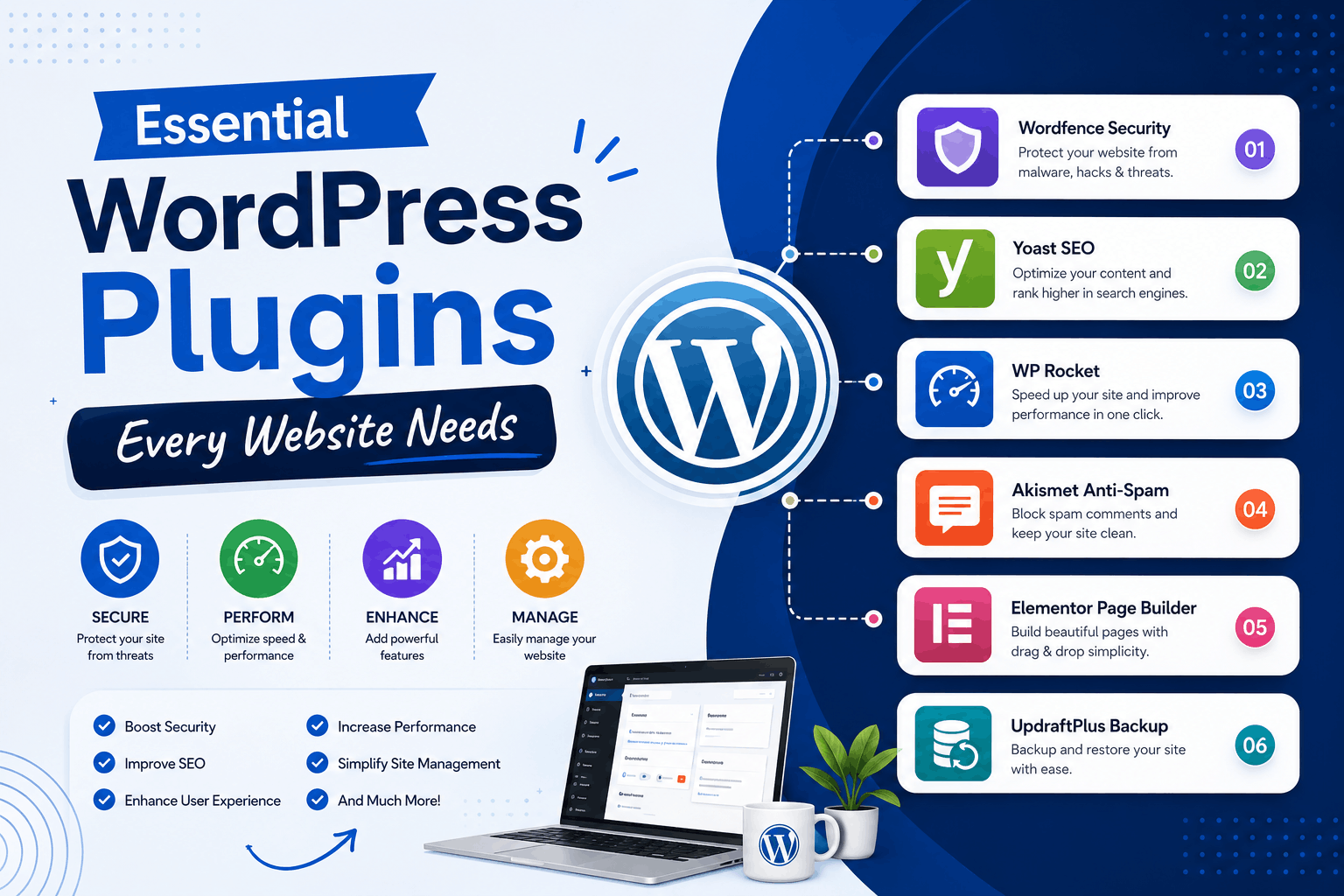
WordPress is one of the most powerful website platforms available today. One reason for its popularity is the vast plugin ecosystem that allows website owners to add features without custom coding.
However, with thousands of plugins available, choosing the right ones can be overwhelming.
The best WordPress plugins improve website security, SEO, speed, backups, lead generation, and overall user experience.
In this guide, we’ll cover the essential WordPress plugins every website should consider in 2026.
Why WordPress Plugins Are Important
Plugins extend the functionality of your website and help you:
- Improve SEO
- Increase security
- Enhance performance
- Generate leads
- Automate tasks
- Improve user experience
1. SEO Plugin
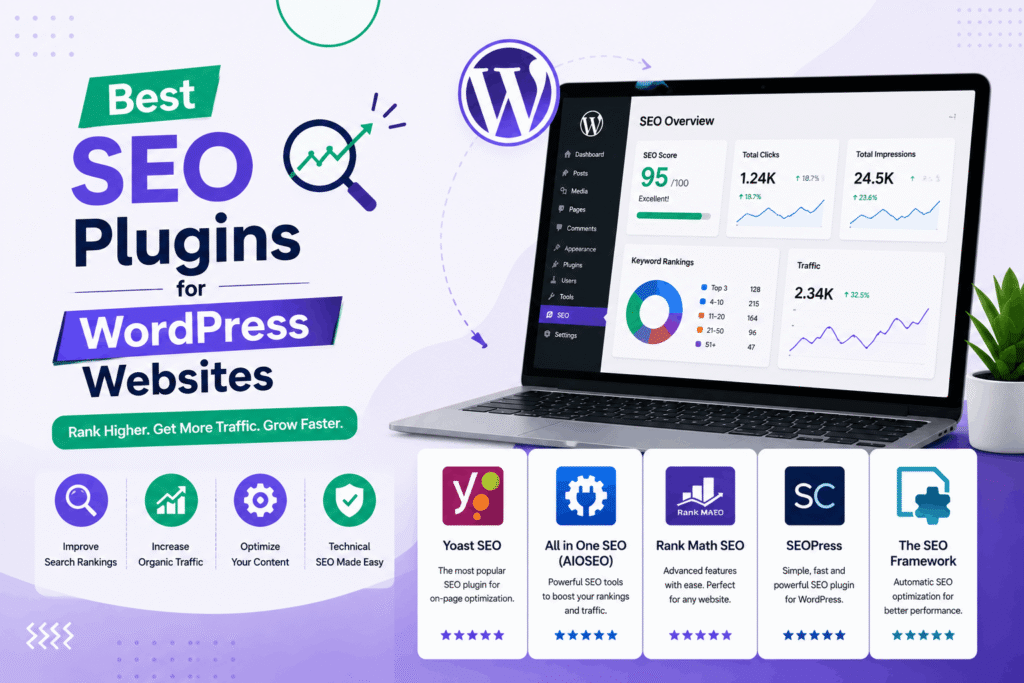
An SEO plugin helps optimize your website for search engines.
Popular features include:
- Meta titles and descriptions
- XML sitemaps
- Schema markup
- SEO analysis
- Keyword optimization
Benefits:
- Better Google rankings
- Improved visibility
- More organic traffic
2. Security Plugin
Website security is critical in 2026.
A security plugin can help protect against:
- Malware attacks
- Brute-force login attempts
- Unauthorized access
- Spam activity
Benefits:
- Improved website protection
- Reduced security risks
- Better customer trust
3. Backup Plugin
Regular backups protect your website from unexpected issues.
A backup plugin helps you restore your website quickly if:
- Files are deleted
- Updates fail
- Security issues occur
- Server problems arise
4. Caching and Performance Plugin
Website speed directly impacts SEO and conversions.
Caching plugins improve performance by:
- Reducing page load times
- Optimizing resources
- Improving user experience
Read our guide on website speed optimization.
5. Contact Form Plugin
Every business website needs a reliable contact form.
Contact form plugins help visitors:
- Request quotes
- Ask questions
- Submit enquiries
- Book consultations
6. Image Optimization Plugin
Large image files can slow down websites.
Image optimization plugins help:
- Reduce file sizes
- Improve loading speed
- Enhance mobile performance
7. Spam Protection Plugin
Spam submissions can waste time and affect website performance.
Spam protection plugins help filter:
- Contact form spam
- Comment spam
- Bot submissions
8. Analytics Integration Plugin
Understanding visitor behavior is important for business growth.
Analytics plugins help track:
- Website traffic
- User behavior
- Conversions
- Popular pages
9. Redirection Plugin
Redirection plugins help manage URL changes and prevent broken links.
Benefits include:
- Better SEO preservation
- Improved user experience
- Reduced crawl errors
10. Database Optimization Plugin
Over time, WordPress databases can become cluttered.
Database optimization plugins help:
- Clean unused data
- Improve performance
- Reduce storage usage
11. Social Sharing Plugin
Social sharing buttons encourage visitors to share content.
This can help:
- Increase visibility
- Drive traffic
- Expand brand reach
12. Cookie Consent Plugin
Many websites require cookie notifications to improve transparency and compliance.
13. Schema Markup Plugin
Schema markup helps search engines better understand website content.
Benefits include:
- Rich search results
- Improved click-through rates
- Enhanced SEO visibility
14. Broken Link Checker Plugin
Broken links can harm SEO and user experience.
A broken link checker helps identify and fix issues quickly.
15. Live Chat or Chatbot Plugin
Modern websites increasingly use chat systems to improve customer engagement.
Benefits include:
- Instant communication
- Lead generation
- Customer support
16. Email Marketing Integration Plugin
Email marketing remains a valuable lead nurturing tool.
Integration plugins help connect your website with email platforms.
17. WooCommerce Plugin (For Online Stores)
If you sell products online, WooCommerce is one of the most important plugins available.
Features include:
- Product management
- Payment gateways
- Order management
- Inventory tracking
18. Page Builder Plugin
Page builders make website design easier without coding.
Benefits include:
- Drag-and-drop editing
- Faster design changes
- Flexible layouts
Common Plugin Mistakes to Avoid
- Installing too many plugins
- Using outdated plugins
- Ignoring updates
- Installing plugins from unreliable sources
- Using duplicate functionality plugins
How Many Plugins Should You Install?
There is no fixed number.
Instead of focusing on quantity, focus on:
- Quality
- Performance impact
- Security
- Business needs
Benefits of Using the Right Plugins
- Better SEO
- Improved security
- Faster performance
- More leads
- Enhanced user experience
- Easier website management
Need Help Setting Up a WordPress Website?
We help businesses build fast, secure, SEO-friendly WordPress websites with the right plugins and configurations for long-term success.
Explore our WordPress development services.
Final Thoughts
The right WordPress plugins can significantly improve your website’s performance, security, SEO, and lead generation capabilities.
Instead of installing dozens of plugins, choose a carefully selected set that supports your business goals and keeps your website fast and secure.
Contact us today for professional WordPress setup, optimization, and maintenance services!